01
Shop windows
Link your window display to opening hours, online ordering or a booking page, even when the shop is closed.
Dynamic QR code / Website
Connect a physical campaign to a page you already own. Website QR codes are suited to destinations such as a booking form, online shop or campaign landing page, where the next action happens on your website.
Create your Website QR codeSign up and verify your email to start. Already have an account? Log in.
See plans and trial details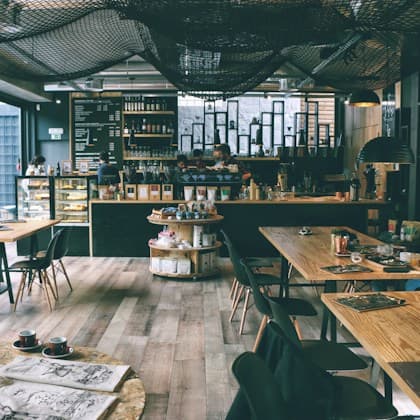
YOUR MORNING, MADE.
Good things happen over coffee. Find your favourite corner, and stay a little longer.
Find your daily ritual01
Link your window display to opening hours, online ordering or a booking page, even when the shop is closed.
02
Give each placement its own dynamic code so you can compare engagement and update the destination when the offer changes.
The phone opens your chosen web address in its browser. This format does not create a new content page. You manage the destination website separately and can change the QR destination from your dashboard when your campaign changes.
Step 1
Sign up and verify your email, or log in. Your selected QR format will be ready in the builder.
Step 2
Choose the website, booking form or campaign URL you want visitors to open.
Step 3
Choose your colours and layout, then complete your QR. Scan a test print on a phone before distributing it.
Yes. Create an account and verify your email, or log in to an existing account, before opening this format in the full builder. You can explore the examples on this page without signing up.
Yes. This dynamic format uses a stable QR link, so you can update its destination or hosted content from your dashboard without replacing the printed code. Dynamic codes need an active account plan after the trial and grace period.
Open the destination on a phone before printing. A fast mobile page and a clear next step matter as much as the QR itself.
Start with your Website format and build the experience you want to share.