01
Product identification
Encode product identifiers in a compact machine-readable symbol for a compatible scanning workflow.
Static QR code / 2D Barcode (GS1)
Encode a GS1 element string for a scanning process that expects structured product information. This format is intended for product identification workflows, so choose it based on the requirements of the system that will read the symbol.
Create your 2D Barcode (GS1) QR codeSign up and verify your email to start. Already have an account? Log in.
See plans and trial detailsPRODUCT IDENTIFICATION
Structured product information,
ready for a compatible scanner.
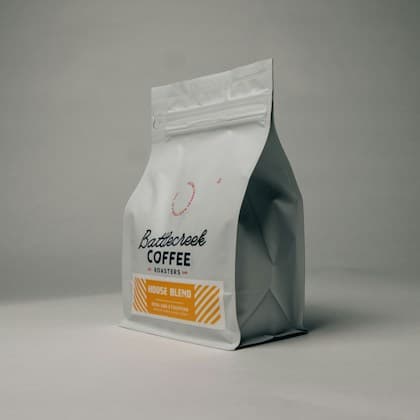
01
Encode product identifiers in a compact machine-readable symbol for a compatible scanning workflow.
02
Include supported batch or date information where your operational process expects it.
Compatible scanning software interprets the encoded identifiers. A general phone camera may not present a useful consumer experience. Confirm the accepted syntax and test with the intended equipment before ordering labels; generating a symbol does not assign product identifiers or certify compliance.
Step 1
Sign up and verify your email, or log in. Your selected QR format will be ready in the builder.
Step 2
Enter the GS1 element string for your product and check its identifiers against your labelling requirements.
Step 3
Choose your colours and layout, then complete your QR. Scan a test print on a phone before distributing it.
Yes. Create an account and verify your email, or log in to an existing account, before opening this format in the full builder. You can explore the examples on this page without signing up.
This is a static format: the content is encoded directly in the QR. To change it, generate and print a new code. Static codes do not provide scan analytics.
Check the generated code with the equipment and software that will read it. A generated symbol alone does not establish compliance with a retailer’s requirements.
Start with your 2D Barcode (GS1) format and build the experience you want to share.