01
Retail shelves
Give shoppers details that do not fit on a shelf label, including ingredients or specifications.
Dynamic QR code / Product
Give a product its own mobile information page without rebuilding your store. Combine images, a description and pricing with a purchase link, so a customer at a display can learn more before choosing their next step.
Create your Product QR codeSign up and verify your email to start. Already have an account? Log in.
See plans and trial details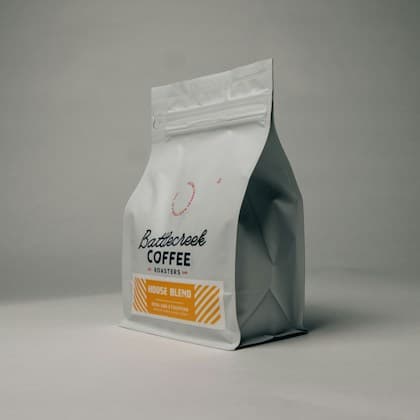
THE EVERYDAY COLLECTION
Chocolate. Hazelnut. A little orange peel.
Your new reason to get up early.
01
Give shoppers details that do not fit on a shelf label, including ingredients or specifications.
02
Connect a physical item to its story and an online listing for later purchases.
The scan opens the product page you create. Visitors can review its information and follow the buy link to your existing store. Payment, inventory and fulfilment remain with that store; keep the displayed price and product details consistent with the checkout destination.
Step 1
Sign up and verify your email, or log in. Your selected QR format will be ready in the builder.
Step 2
Add product images, a description, relevant specifications and a link to buy or learn more.
Step 3
Choose your colours and layout, then complete your QR. Scan a test print on a phone before distributing it.
Yes. Create an account and verify your email, or log in to an existing account, before opening this format in the full builder. You can explore the examples on this page without signing up.
Yes. This dynamic format uses a stable QR link, so you can update its destination or hosted content from your dashboard without replacing the printed code. Dynamic codes need an active account plan after the trial and grace period.
Use your own checkout or store URL for purchases, and keep product information consistent with the item being sold.
Start with your Product format and build the experience you want to share.